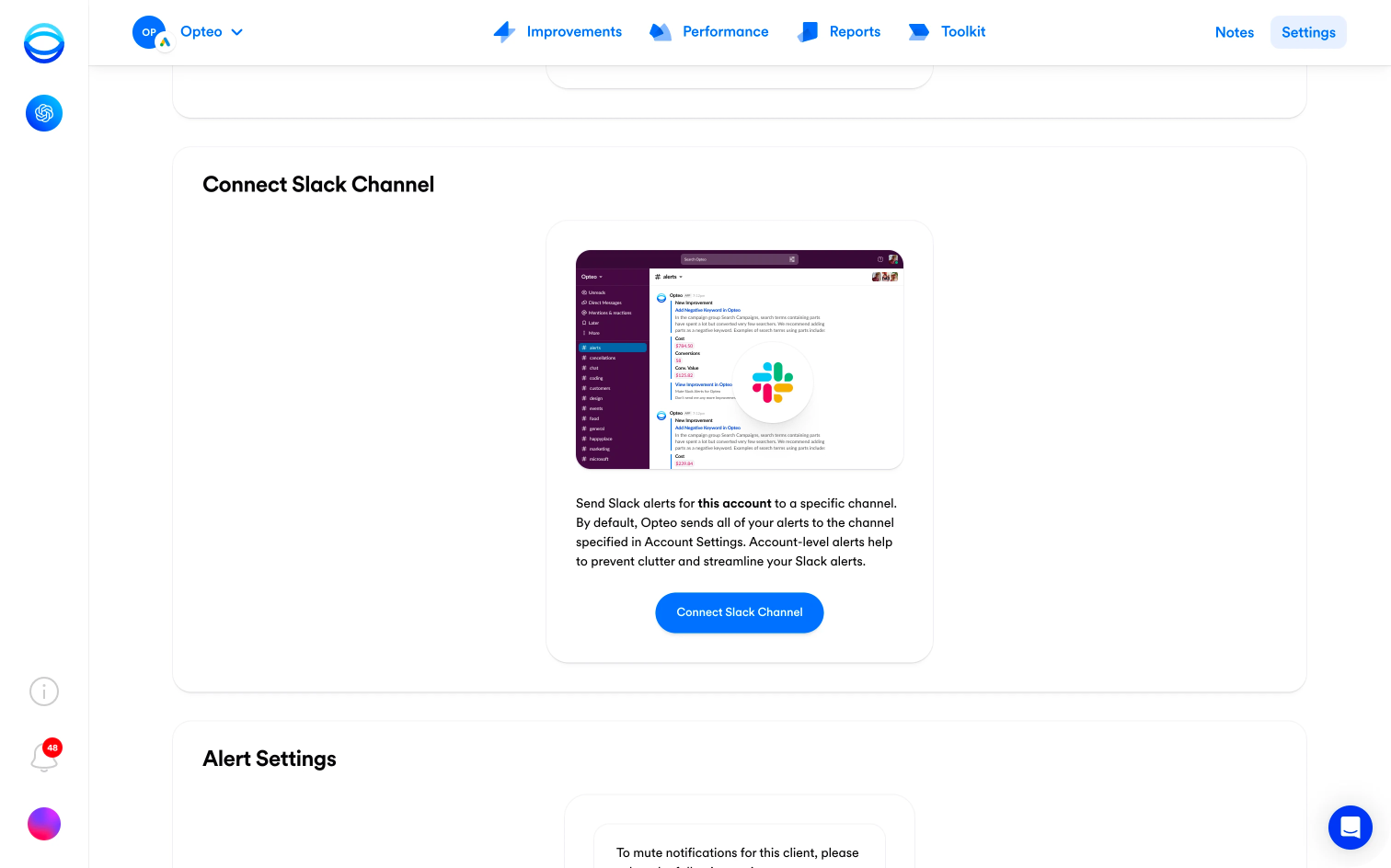
Today we're excited to share a small-but-powerful update to our Slack integration — you can now send alerts from a single Opteo account to a dedicated channel in Slack, rather than sending all alerts to the same channel. This should be useful for users managing dozens of accounts, helping to reduce clutter and streamline your Slack inbox.
|
To connect an account to a specific channel, open an account in the Account Centre, head to the Settings page, scroll down to the Connect Slack Channel section and click the Connect Slack Channel button. From there, follow the instructions in Slack and select your preferred channel for delivery.
As always, we'll be working hard to fix any bugs that come up. If you notice anything that looks like a bug, or have an idea that could improve your Slack experience, please send our support team a message, or submit a feature request.
|